Related Articles
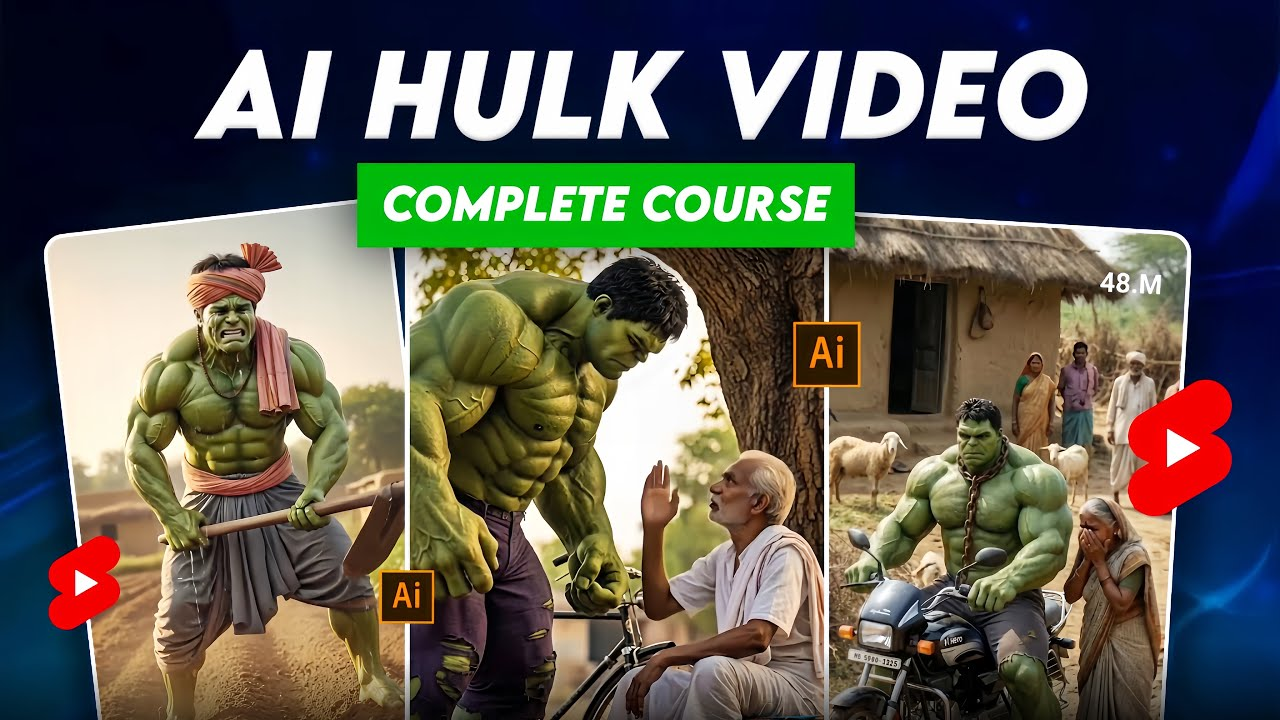
The smartest way to gain traction on Facebook, TikTok and YouTube Shorts is by creating viral AI Hulk videos. These videos are successful because they combine strong emotion, humor, with AI-powered visuals to grab your attention. You can easily follow the step-by-step system below, even if you are a novice.
Why Hulk AI videos go viral
Hulk-style AI video goes viral because it triggers emotion within the first three seconds.
- Big green muscular character = instant attention
- Funny reactions to anger = high retention
- Simple dialogue = global audience
- Works great for short form content
When they see comedy + power together, people stop scrolling.
Step 1. Choose the right AI Text to Video Tool
You will need an application that supports prompts.
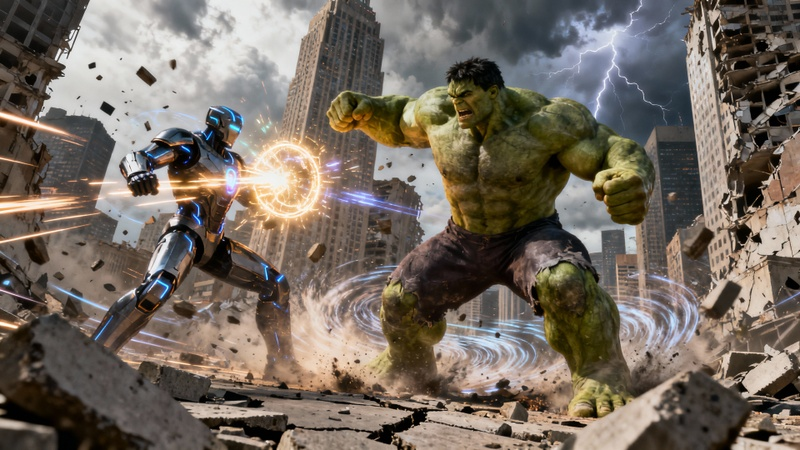
These features are worth looking for:
- Text-to-video generation
- Cinematic scenes
- Character Motion
- Vertical Video (9:16).
- Free plan available
AI video generators are popular options that allow you to describe scenes in great detail. Many creators use these without showing their faces.
Step 3: Create a Powerful Hulk Prompt
Your prompt should be everything. A weak prompt = boring video.
An Example of an AI Hulk Prompt
The Hulk is a giant green superhero with muscular muscles, posing in a modern street. Cinematic lighting, dramatic ambience, angry expression, hands moving, realistic textures. Crowd shocked. Camera close-up. Vertical video. Ultra-detailed.
Tips
- Always describe color, size, emotion
- Mention camera angle
- Add mood words (angry, funny, dramatic)
Step 4: Write a Viral Story
Simple stories work best for viral Hulk videos.
Proven Story Ideas
- Hulk attends a wedding, and is insulted
- Hulk discusses everyday life problems
- Hulk responds to comments made by others
- Hulk offers funny advice
- Hulk becomes angry, then funny
Best Length
- 15-40 Seconds
- Divide one story into 2 to 4 clips
Step 4: Add AI voice for Hulk
Your video will come alive with the voice.
Use:
- Deep male AI voice
- Clear pronunciation
- Slow, powerful tone
Example Dialogue
“My name is Hulk Bhai… today I am very angry.”
Simple lines are easier to understand and work best.
Step 5 – Optimize video for social media
Video Settings
- Aspect ratio: 9:16
- Resolution: 1080p
- Bright contrast
Text on screen
- Bold captions
- Text in white or yellow
- Text in the center or at top
Step 6: Use Viral Titles & Hashtags
Viral Title Examples
- The Angry Hulk Attends a Wedding
- Hulk Bhai is very angry today
- AI Hulk Speaks Truth
Hashtags
Use only 3-6:
- #HulkAI
- #AIVideo
- #ViralShorts
- #TextToVideo
- #AIAnimation
Step 7: Post Consistently
Consistency is the key to success.
- 2-3 videos daily (shorts)
- Same Hulk Character Style
- Same voice tone
Algorithms are fond of repeating the same thing with variations.
Bonus Tip – Turn one video into many
You can make:
- You can watch this YouTube video.
- TikTok
- One Instagram Reel
- One Facebook Reel
Same content on multiple platforms for greater reach.
Final Advice
You don’t require:
- Software that is expensive
- Acting skills
- A camera
You need only:
- A strong prompt
- A short story
- Consistency
Hulk AI Videos are fun to watch and easy to create. They can also be extremely viral when done correctly.
